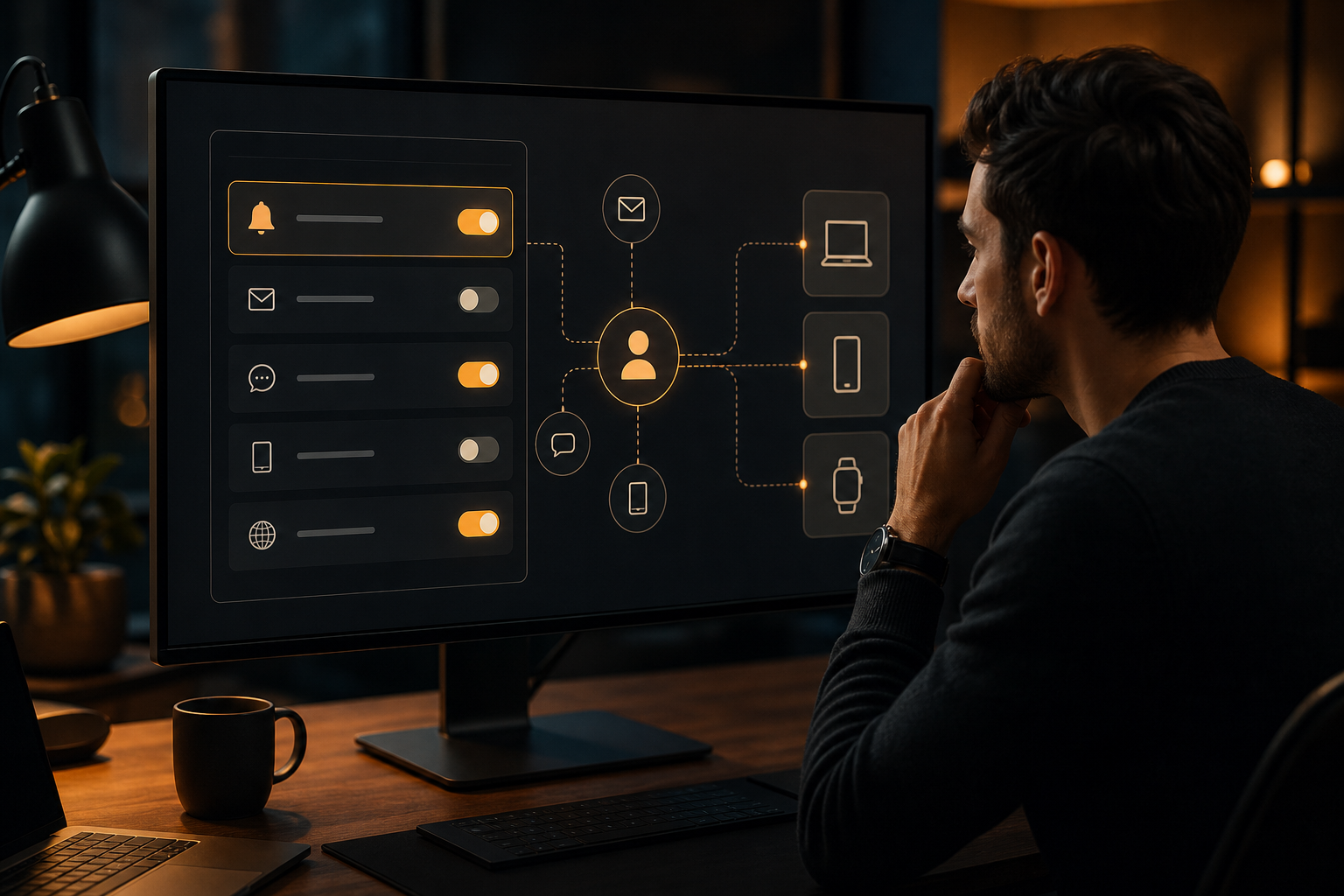
A notification preference centre is the part of a product where people decide which messages they receive, through which channels, and how often. It is more than a collection of on and off switches. A well-designed centre connects understandable choices in the interface to enforceable rules in the notification service.
The goal is to make preferences useful without creating an unmanageable matrix of settings. People should be able to reduce unwanted interruptions, while your team should still be able to deliver essential account, security, and transactional messages where appropriate.
Start with a notification inventory
Before designing the interface, list every notification your product can send. Do this by event rather than by screen or code path. For each event, record its purpose, audience, urgency, available channels, and whether it is essential to the service.
- Account and security events, such as sign-in alerts or password changes
- Transactional events, such as payment receipts or order updates
- Product activity, such as comments, mentions, or assignments
- Reminders and recommendations
- Marketing and promotional messages
- Operational messages, such as planned maintenance
This inventory often reveals that one broad setting such as “product notifications” is too vague. A person may want comment mentions but not every activity update. Group settings around a meaningful outcome, not the internal name of an event.
Classify messages before exposing preferences. A useful classification might include required, user-controlled, and optional promotional notifications. Do not use a preference centre to imply that a person can disable a message that your product genuinely needs to send for security, legal, or transactional reasons. Explain any non-optional category clearly.
Choose a preference model that can be enforced
A preference model should answer three questions for every notification:
- Is this recipient eligible for the message?
- Has the recipient allowed this category and channel?
- Is the selected delivery target currently available?
Keep the model separate from device registration. A device record describes where a message can be delivered. A preference record describes what the person has chosen to receive. Combining the two makes account-level settings difficult to apply consistently across several devices.
A practical model commonly has these dimensions:
- Recipient or user identity
- Notification category
- Channel, such as push, email, or SMS
- Enabled or disabled state
- Optional frequency or delivery window
- Source and timestamp of the last change
You may also need a scope. For example, a person could control notifications for one workspace, project, team, or account. Make the scope explicit rather than relying on an implicit context in the user interface.
Avoid storing only a single global push setting if your product has multiple categories. It may be easy to implement, but it prevents useful control later and encourages teams to add exceptions in application code.
Design the user experience around decisions
A preference centre should help people make decisions quickly. Use labels that describe the message they will receive, not the event name used by engineers. “Someone mentions you” is clearer than “mention.created”. Include a short explanation where the consequence is not obvious.
Organise settings into a small number of groups. For example:
- Essential account and security
- Activity and collaboration
- Reminders
- Product updates and offers
Show the channel next to the category when people can choose between channels. A person may want an email summary but not an immediate push notification. If your product supports frequency controls, describe them in concrete terms such as “immediately”, “daily summary”, or “weekly summary”.
Provide a clear way to disable optional notifications without forcing people through every category. A global pause can be useful, but it should not silently override essential messages. If you offer a quiet period, show the time zone and explain what happens to messages generated during that period.
Save changes explicitly or communicate autosave clearly. In either case, show confirmation and preserve the selected state after a refresh. On mobile, account settings and operating-system permission settings are different layers. Explain that enabling a product preference does not itself grant operating-system permission to display push notifications.
Enforce preferences on the server
The preference centre is only trustworthy if delivery code respects it. Treat the server-side decision as authoritative rather than relying on the client to suppress messages. Client-side suppression can fail after a reinstall, on another device, or when a user signs in elsewhere.
A typical send flow is:
- Identify the notification category and its required scope
- Resolve the intended user, segment, tag, or other target
- Load the recipient’s current preferences
- Remove channels or recipients that are not eligible
- Apply frequency limits and quiet-period rules
- Send only to valid, enabled delivery targets
- Record the decision and outcome for troubleshooting
With HoneyNotify, server-side sends use POST /v1/notifications with a Bearer API key and an Idempotency-Key. A notification requires a title, body, and target. Targets can address a device, user, tag, segment, or all enabled devices. Your preference evaluation should happen before creating the final send request, so the request target reflects the permitted audience rather than the original audience.
Idempotency is particularly important when a preference update and a notification trigger occur close together. Define the ordering you need. For example, a preference update could take effect immediately for newly queued notifications, while a message already accepted for delivery may follow a documented policy. Record the effective time so support staff can explain edge cases.
Handle identity and device state separately
People often use several devices, and device tokens can change. Store preferences against a stable user identity where possible, then associate that identity with currently valid device registrations. Do not assume that a device token is a permanent identifier.
Client SDKs can help with device registration, identity, token lifecycle, payload handling, and lifecycle events across iOS, Android, and Web Push. Use those lifecycle events to keep delivery targets current, but do not use them as a substitute for preference enforcement.
Imported OneSignal subscription IDs can remain as device IDs when matching provider tokens later register. However, token rotation or another provider environment can prevent matching. Treat imported identifiers and provider tokens as operational data that may need reconciliation. A person’s preference should remain intact even when a particular device record is replaced.
When a user signs out, decide whether the device should stop receiving user-specific notifications immediately. That usually requires removing or suspending the user association, not merely hiding notifications in the client. When a user signs in on a new device, apply the account’s preferences without requiring them to repeat every choice.
Make updates safe and auditable
Preference changes are sensitive product data. Validate category and channel names on the server, authorise access to the relevant account or scope, and reject unknown fields rather than silently accepting them. Protect the update endpoint against cross-account access.
Use an explicit update contract. Decide whether a request replaces the full preference set or changes only named fields. Partial updates are often safer for a settings screen because one stale client does not overwrite a newer choice made elsewhere.
Keep an audit trail suitable for support and debugging. At minimum, record the identity, changed fields, time, scope, and source of the change. You may also need to distinguish a person’s choice from an administrative policy or a temporary system disablement.
Add tests for precedence rules. Examples include a category disabled at account level but enabled for a project, an essential notification during a quiet period, and a user with no registered devices. Test both the preference API and the final notification decision.
Common mistakes
- Treating browser or operating-system permission as proof that a person wants every product notification
- Storing preferences only on a device, so they disappear after reinstall or do not follow the user
- Calling every message “optional” and then bypassing the centre for urgent product events
- Making category names match internal event names rather than user-visible outcomes
- Applying settings only in the client instead of filtering on the server
- Assuming one device token represents a person permanently
- Letting a stale settings page overwrite changes made on another device
- Offering a quiet period without stating the time zone and treatment of delayed messages
- Failing to log why a notification was suppressed
- Adding more granular controls than the product can explain and reliably enforce
Roll out incrementally
Start with a small set of stable categories and channels. Instrument the decision path so you can distinguish an absent preference, an explicit opt-out, an unavailable target, and a provider or transport failure. These states require different fixes.
Before launch, test new users, existing users, signed-out users, multi-device accounts, token rotation, reinstalls, imported device identifiers, and changes made concurrently from two sessions. Verify that an opted-out category does not produce a send request at all when filtering is expected to happen before dispatch.
Review the centre whenever a new notification type is introduced. Require the owning team to define its category, default, scope, permitted channels, and fallback behaviour before adding a new send path. This keeps the interface and the delivery system aligned as the product grows.
Conclusion
A useful notification preference centre is a product contract backed by enforceable server logic. Begin with a complete notification inventory, model preferences independently from devices, explain choices in user terms, and apply the result before delivery. Preserve preferences across devices and token changes, record decisions for support, and keep the available controls no more complex than your product can consistently honour.