Introduction
Supporting push notifications for multiple apps is not simply a matter of adding another application identifier to an existing integration. Each app may have different users, notification permissions, release cycles, environments, business rules, and delivery expectations. If those differences are hidden behind a single undifferentiated sending service, small changes can create cross-app targeting errors, confusing analytics, or credentials with too much access.
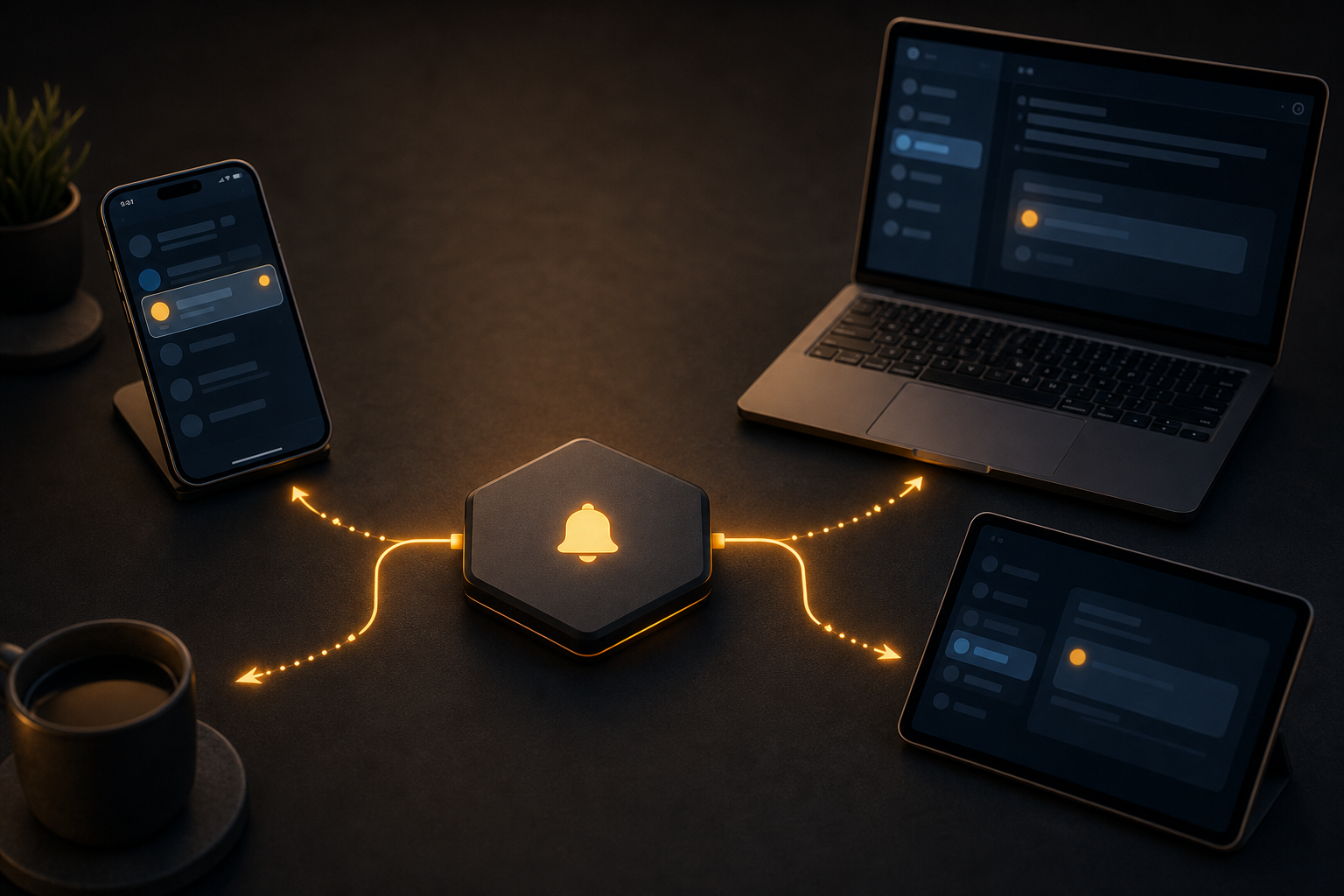
A better design treats push as a shared platform with explicit app boundaries. Common capabilities such as registration, identity, templating, queuing, retries, and observability can be reused, while each app retains control over its own audience and notification policy.
Start with clear application boundaries
Define what an app means in your notification architecture before writing integration code. An app might be a mobile product, a web property, a regional variant, or a separate environment. These choices affect both routing and security.
At minimum, maintain an internal application record containing:
- A stable app identifier owned by your platform
- The supported platforms, such as iOS, Android, or Web Push
- The relevant production and non-production environments
- The credential or provider configuration used to send notifications
- The notification categories and consent rules supported by the app
- The teams or services authorised to send to it
Keep this application identifier separate from a device token, provider subscription ID, user ID, or installation ID. Those identifiers have different lifecycles and should not be treated as interchangeable.
An app-aware send request should be validated before it reaches a provider. The service should confirm that the requested target belongs to the selected app and environment, and that the sender is authorised to use that configuration. This prevents a valid user or tag from accidentally resolving to devices in another product.
Choose the right sharing model
There are three common ways to organise multiple apps.
One shared notification service
A central service owns registration, targeting, queues, templates, sending, and delivery events for every app. This gives product teams a consistent API and makes cross-app operational tooling easier.
The trade-off is that the service becomes a critical shared dependency. It needs strong tenant isolation, careful schema evolution, per-app rate controls, and failure handling that stops one app from affecting another. It is usually the best fit when the apps belong to one organisation and share identity or platform capabilities.
Separate notification services
Each app owns its push integration and sending workflow. This can make ownership and release management straightforward, especially when apps are operated by independent teams.
The cost is duplicated infrastructure and inconsistent behaviour. Registration bugs, token cleanup, opt-out handling, and reporting may be implemented differently in every app. A common library can reduce duplication, but it still requires coordinated maintenance.
A shared core with app-specific adapters
A central service can provide common workflows while adapters handle app-specific authentication, payload rules, and provider configuration. This model is useful when apps share operational needs but differ in platform requirements or release schedules.
Whichever model you choose, document the boundary explicitly. A notification should have an app context from creation through delivery and event processing, not only at the final sending step.
Design registration and identity separately
A device registration represents a delivery destination. A user identity represents a person or account. One user may have multiple devices, and one device may change users over time. Do not replace a device record every time a user logs in, and do not assume that a user has only one token.
Client SDKs typically handle device registration, identity, token lifecycle, payload handling, and lifecycle events across iOS, Android, and Web Push. Your application still needs to decide when a device is associated with a user, when that association is removed, and what consent state permits sending.
A robust registration flow should:
- Record the internal app and environment
- Register or refresh the device token through the client integration
- Associate the device with a user only after authenticated login
- Remove or suspend the association on logout when required by your privacy model
- Preserve multiple active devices for the same user
- Update the token when the operating system or provider rotates it
- Store the time and source of the last successful registration
Tags and segments should also be app-scoped. A tag such as beta_user or premium_customer may have different meanings in different products. Namespacing tags internally, or storing them with an app identifier, avoids accidental reuse.
Make targeting explicit
A multi-app notification system should make the target type visible in both its data model and its sending interface. HoneyNotify server-side sends use POST /v1/notifications with a Bearer API key and an Idempotency-Key. A notification requires a title, body, and target. Targets may address a device, user, tag, segment, or all enabled devices.
The target is not enough by itself. Include the app context in your own request model and validate the combination. For example, a user target should resolve only to devices registered for the selected app, not to every device associated with that user across your product portfolio.
Broad targets deserve additional safeguards. Sending to all enabled devices should normally require an explicit permission, an approval step, or a restricted service account. Segment membership should be evaluated consistently and captured with enough context to explain why a device was included.
Separate notification content from delivery data
A useful notification has a clear user-facing message and a small, stable action payload. Keep the title and body concise, but do not rely on the visible text to carry state. The application should receive structured data that identifies the action or resource without exposing unnecessary personal information.
For multiple apps, define a shared envelope with app-specific extensions. A practical envelope can include:
- An event or notification type
- A resource identifier
- A navigation action understood by the selected app
- A schema version
- An expiry or relevance time where appropriate
- A correlation identifier for diagnostics
Avoid sending an identical payload to every app unless each app has agreed to interpret it identically. A notification about an order, message, or task may require different navigation routes and wording in each product. Validate payloads against the receiving app version where compatibility matters.
Do not put secrets, access tokens, or sensitive personal data in a push payload. Push delivery can be delayed, duplicated, or displayed outside the application. The app should fetch authoritative data from its backend after the user opens the notification.
Build a dependable sending workflow
Treat sending as a durable workflow rather than a direct call from a web request. Store the intended notification, app context, target, content version, and status before attempting delivery. A worker can then process the send, record the provider response, and retry according to a defined policy.
Use an idempotency key for each logical send. The key should remain stable when the same operation is retried, but a new campaign or user action should receive a different key. Idempotency prevents a timeout from turning into multiple notifications when the original request may already have been accepted.
Retries should distinguish transient failures from permanent ones. Temporary service unavailability may merit a delayed retry. Invalid credentials, malformed payloads, an unknown app configuration, or an invalid target require correction rather than repeated attempts. Apply backoff and limits, and keep one app's queue from monopolising shared workers.
Record enough information to answer operational questions without storing more personal data than necessary. Useful fields include app, environment, notification type, target type, idempotency key, creation time, attempt count, and final status.
Handle environments and credentials carefully
Production and test installations must not share a sending path by accident. Use separate application configuration, credentials, data stores, and test audiences where provider environments require it. Make the environment visible in logs and administrative interfaces.
Keep API keys on the server. A server-side send should authenticate with a Bearer API key; the key should never be embedded in an app bundle or exposed to browser code. Scope credentials to the smallest practical set of apps and operations, rotate them through a controlled process, and make revocation procedures part of your runbook.
When evaluating a notification provider for several apps, ask whether it supports the application and environment separation you need, how credentials are scoped, how provider feedback is exposed, and how imported device identifiers behave. Verify these details in the provider's current documentation rather than assuming that similar product names imply identical behaviour.
Plan migrations and provider changes
Migration is especially risky when an app has existing device records. Imported OneSignal subscription IDs can remain as device IDs when matching provider tokens later register. However, token rotation or another provider environment can prevent matching. Design the migration so that a device can register again and become usable without depending permanently on the old identifier.
During migration:
- Keep an auditable mapping between old and new identifiers where permitted
- Prefer fresh registration from active clients
- Avoid sending to an imported record until its app and environment are verified
- Monitor unmatched registrations and invalid delivery responses
- Define when stale imported records will be disabled or removed
- Test rollback without sending duplicate notifications
Migration should be app-by-app and environment-by-environment. A single global cutover can make it difficult to tell whether a failure comes from credentials, token compatibility, targeting, or client registration.
Test the cases that cause real incidents
A happy-path test on one device is not enough. Test each app, platform, and environment with at least the following scenarios:
- A new installation grants permission and registers successfully
- Permission is denied and later enabled
- A user logs in on several devices
- A user logs out and another user logs in on the same device
- A token rotates or becomes invalid
- A notification is retried after a timeout
- The same idempotency key is submitted more than once
- A user belongs to two app-specific segments
- A broad target is rejected without the required authorisation
- An old app version receives a newer payload schema
- A notification is opened when the referenced resource no longer exists
Use test data that makes app boundaries obvious. Include the app and environment in test device labels, logs, and dashboards, but avoid placing sensitive identifiers in user-visible content.
Common mistakes
Using one global audience
A single user or tag namespace can silently merge audiences from unrelated apps. Scope identity, tags, segments, and device lookup by app.
Treating tokens as permanent
Tokens can rotate, become invalid, or belong to another provider environment. Support refresh and re-registration rather than relying on a one-time installation record.
Sending from the client
Client-side credentials can be extracted and abused. Keep notification creation and provider authentication on trusted server infrastructure.
Retrying without idempotency
Network timeouts do not prove that a send failed. Stable idempotency keys are essential when a request can be repeated.
Sharing payload assumptions
Two apps may render or route the same fields differently. Version the payload contract and test it against the minimum supported app versions.
Measuring only accepted sends
A request accepted by a sending service is not the same as a notification seen by a user. Track the stages you can reliably observe, such as queued, attempted, rejected, opened, or acted upon, and interpret each stage carefully.
Conclusion
A multi-app push design should be shared where repetition is wasteful and isolated where mistakes are costly. Make app and environment context first-class, separate users from devices, scope targets and segments, keep payloads versioned and minimal, and use durable sending with idempotency. Careful registration, migration, testing, and credential management will do more for reliability than adding complexity to the message format.