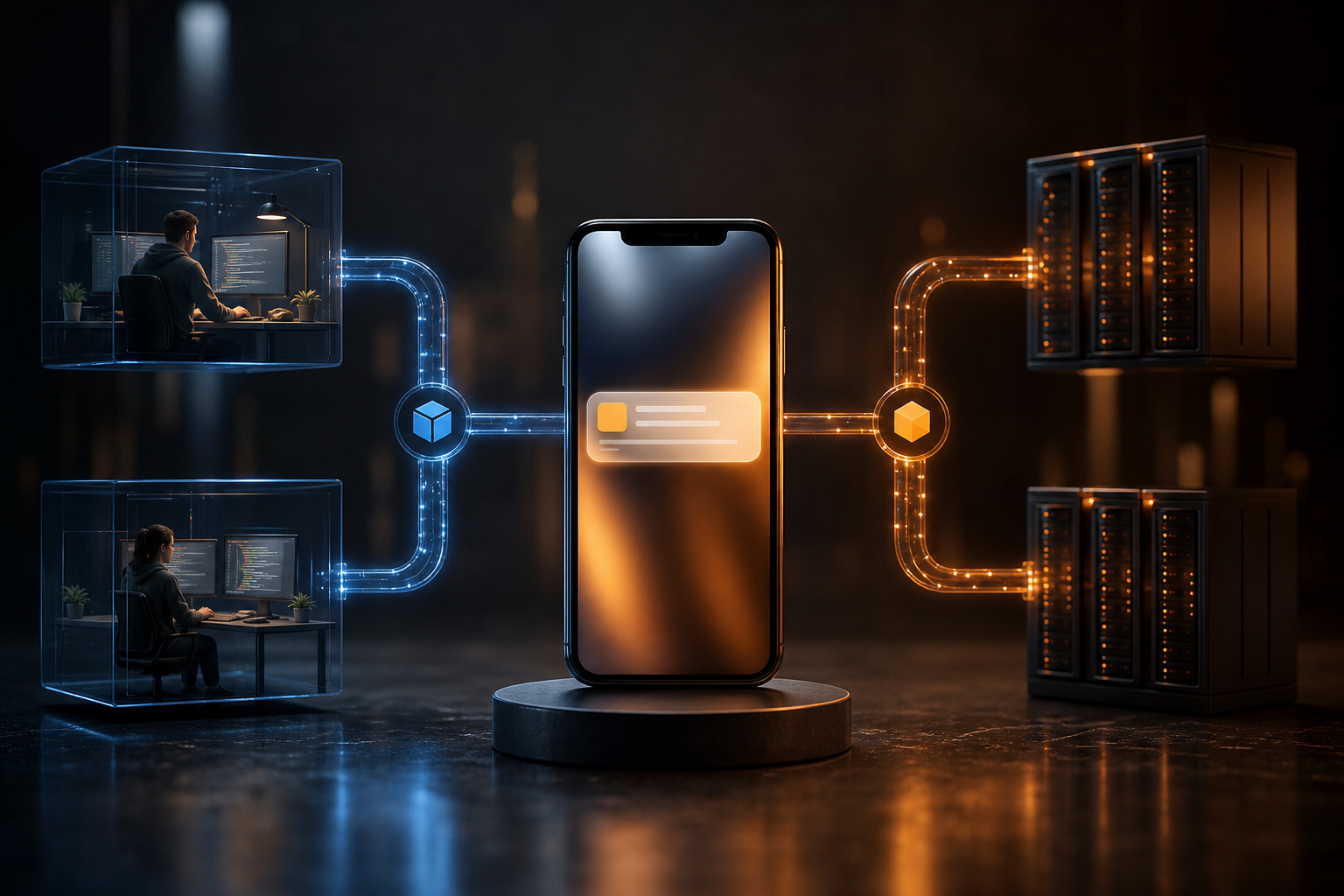
A push notification that works on a developer device but fails in production is rarely caused by one mysterious issue. Development and production are different systems: they may use different app identifiers, signing credentials, provider environments, backend configuration, device tokens, permissions and user data.
The most effective way to debug the problem is to trace one notification from end to end. Confirm that the production application registers successfully, that the backend receives the correct production token or identity, that the send request targets the intended recipient, and that the operating system and provider accept the message. Do not treat “the API call succeeded” as proof that the notification reached a device.
This guide focuses on the failure points that commonly appear when an implementation moves from development to production.
Start by defining where the failure occurs
Before changing code, divide the notification journey into stages:
- The production app starts and requests notification permission.
- The client registers with the operating system and receives a token.
- The client sends that token, and any user identity, to your backend.
- The backend stores or updates the registration correctly.
- The send service accepts the notification request.
- The push provider accepts the message for the production environment.
- The operating system delivers or displays the notification.
- Your application handles the notification when it is opened, received in the foreground, or acted on by the user.
Test each stage independently. Log registration success, token updates, identity association, send-request results and provider responses. On the device, log permission state and notification lifecycle events. Avoid logging full tokens or sensitive payload data in production logs; record safe identifiers, status values and correlation IDs instead.
If the backend never receives a production token, the problem is on the client or registration path. If the backend has a token but the send is rejected, inspect credentials, environment and payload validation. If the send is accepted but nothing appears, investigate targeting, device state, permissions and operating-system behaviour.
Production credentials and app identity are different
A development build often uses a development application identifier and development push credentials. A production build may use a different bundle identifier, package name, signing configuration, provisioning profile or provider environment. A token obtained for one identity cannot automatically be assumed to work for another.
Check all of the following in the released application:
- The application identifier matches the one registered with the push provider.
- The release build uses production credentials rather than development credentials.
- The backend selects the correct provider environment for production sends.
- The production API key is present in the server configuration and is not being replaced by a development secret.
- Configuration values are available in the deployed service, not only in a local shell or development environment.
- The released application is signed and packaged with the expected entitlements or capabilities.
Keep development and production credentials separate. This reduces accidental cross-environment sends and makes configuration errors easier to detect. A useful deployment check is to print a non-secret environment name and application identifier in startup diagnostics, then verify them in the production service logs.
Never put a server-side API key in a mobile or browser client. Server-side sends should be authenticated by the backend. With HoneyNotify, a send uses POST /v1/notifications with a Bearer API key and an Idempotency-Key. The request must include a title, body and target. Verify that the deployed server sends all required fields and that the target refers to a production registration or identity.
Tokens are temporary registration data, not permanent user IDs
A common development pattern is to register one test device, copy its token into a database, and continue using it. That can appear reliable until the application is reinstalled, the operating system rotates the token, the user changes devices, or the release uses another provider environment.
Treat tokens as replaceable values. The client should report a new token whenever the SDK or operating system provides one, and the backend should update the corresponding registration. Store enough metadata to distinguish the application, platform, environment and last-seen time. Remove or deactivate registrations when the provider reports them as invalid, while retaining useful failure information for investigation.
Also verify the relationship between a device and a user. A production user may be logged out during registration, associated with the wrong account, or registered before authentication and never linked afterwards. A valid token does not help if the send targets a different user.
If you are migrating from another push provider, test the migration rather than assuming identifiers are interchangeable. Imported OneSignal subscription IDs can remain as device IDs when matching provider tokens later register, but token rotation or another provider environment can prevent matching. Plan for a fresh registration and reconciliation path when a match is not found.
Check permission and operating-system behaviour
A successful registration does not guarantee that a notification will be shown. Users can deny permission, disable notifications later, enable a focus or do-not-disturb mode, or restrict background activity. Mobile platforms and browsers also apply different rules to foreground, background and terminated applications.
Test these states separately:
- Permission granted before registration.
- Permission denied, then granted in system settings.
- Application open in the foreground.
- Application in the background.
- Application force-closed or not recently used.
- Device locked or subject to focus restrictions.
- Browser permission granted, revoked and restored.
Make the client’s permission state visible to support and diagnostics without exposing personal data. Explain to users why notifications are useful before requesting permission, but do not assume that displaying a permission prompt guarantees acceptance.
A notification may also be delivered without producing the expected visual alert. Data-only or silent payloads can be handled by application code instead of shown by the operating system. Conversely, a display notification may appear but fail to trigger the application’s expected navigation logic. Test both delivery and interaction behaviour.
Validate payloads and targeting in production
Development tests often target a single known device. Production sends commonly target a user, tag, segment or all enabled devices, which introduces data quality and targeting errors.
Confirm that:
- The target is populated and uses the intended targeting type.
- The target belongs to the production environment.
- The user or segment contains the expected enabled devices.
- A recently registered device is included in the target.
- The title and body are present and within the platform’s practical limits.
- Custom data uses the types and keys expected by the client.
- Deep links point to production routes rather than local URLs.
- The payload does not depend on development-only feature flags.
Use a controlled production test account and a small, explicit target before testing broader audiences. Compare the stored registration, the outgoing request and the client’s received payload. If the provider accepts the request, retain the provider response and request correlation ID so that an apparent delivery failure can be separated from a targeting failure.
Add observability before you need it
Push delivery is asynchronous, so a single HTTP response is not enough evidence. Build a traceable record for each send containing a safe notification ID, target type, environment, creation time, request result and any provider status available through your integration.
On the client, record lifecycle events such as registration, token update, receipt, display decision and user interaction. Avoid relying only on application logs: a production device may be offline when the event occurs, and logs may not be available afterwards. Where appropriate, send anonymised diagnostic events to your backend with rate limits and clear retention rules.
Use idempotency for retries. With HoneyNotify, the Idempotency-Key helps prevent an accidental duplicate when a client or server retries the same send after a timeout. Generate and persist the key for the logical operation, rather than creating a new one for every retry. This protects users from duplicate notifications while you investigate transient failures.
Common mistakes
- Reusing development tokens in a production database.
- Shipping a release build with development provider credentials.
- Configuring the mobile application for production while the backend still sends through a development environment.
- Treating a successful API response as proof of device display.
- Registering a token before login but never associating it with the authenticated user.
- Ignoring token refresh callbacks or equivalent lifecycle events.
- Testing only while the application is open.
- Assuming a denied permission can be repaired by sending more notifications.
- Sending to a broad segment before validating a single production device.
- Retrying timed-out requests without an idempotency strategy.
- Storing full tokens or payloads in unrestricted logs.
- Forgetting to test reinstall, logout, account switching and device migration.
A practical production checklist
- Record the production application identifier and provider environment.
- Verify release credentials and server secrets independently.
- Install a clean production build on a controlled test device.
- Confirm permission state and token registration.
- Confirm that the backend stores the current token and environment.
- Send a notification to that exact device or user.
- Capture the request result, provider response and client lifecycle event.
- Test foreground, background, locked-device and denied-permission states.
- Reinstall the application and confirm that token replacement works.
- Test logout, login as another user and account switching.
- Test retries with a stable idempotency key.
- Only then test tags, segments and larger audiences.
Conclusion
When push notifications work in development but not production, compare the complete delivery path rather than focusing only on the send call. Production identity, credentials, token lifecycle, user association, permissions, payloads and targeting must all agree. A controlled test device, environment-aware registration, structured logs and idempotent sends turn a vague production failure into a specific, diagnosable stage.